Voice AI
Connecting Retell AI voice calls to GoHighLevel with Make
How a new lead triggers an outbound Retell AI call through Make, and how the agreed appointment comes back into GoHighLevel with an HTTP request.

Hanzla Amjad
· 3 min read
A text message is easy to ignore. A phone call a minute after someone fills in a form is not. That’s the idea behind this build: a new lead in GoHighLevel gets an outbound call from a Retell AI voice agent, the agent helps them pick a time, and the appointment ends up back in GHL.
There are three moving parts: Make starts the call, Retell runs the conversation, and a second webhook brings the result home.
Starting the call
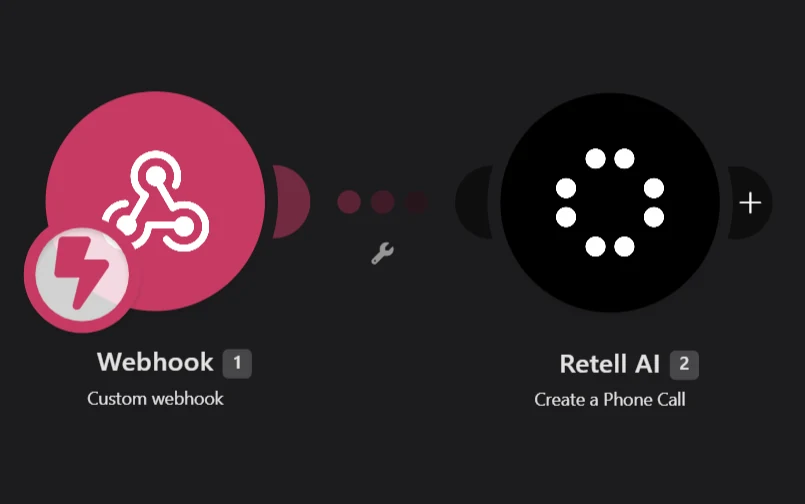
When a lead comes in, GoHighLevel sends their details to a Make webhook. The scenario passes the name, phone number and any useful context, like the service they asked about, to Retell’s create-call action. Retell dials out from the configured number with the chosen agent.
Two checks happen before the call: is the number in a valid format, and did the lead actually consent to being called? If either fails, no call. Calling people who didn’t ask to be called is a quick way to get your number flagged, and in many places it’s against the law.
The agent
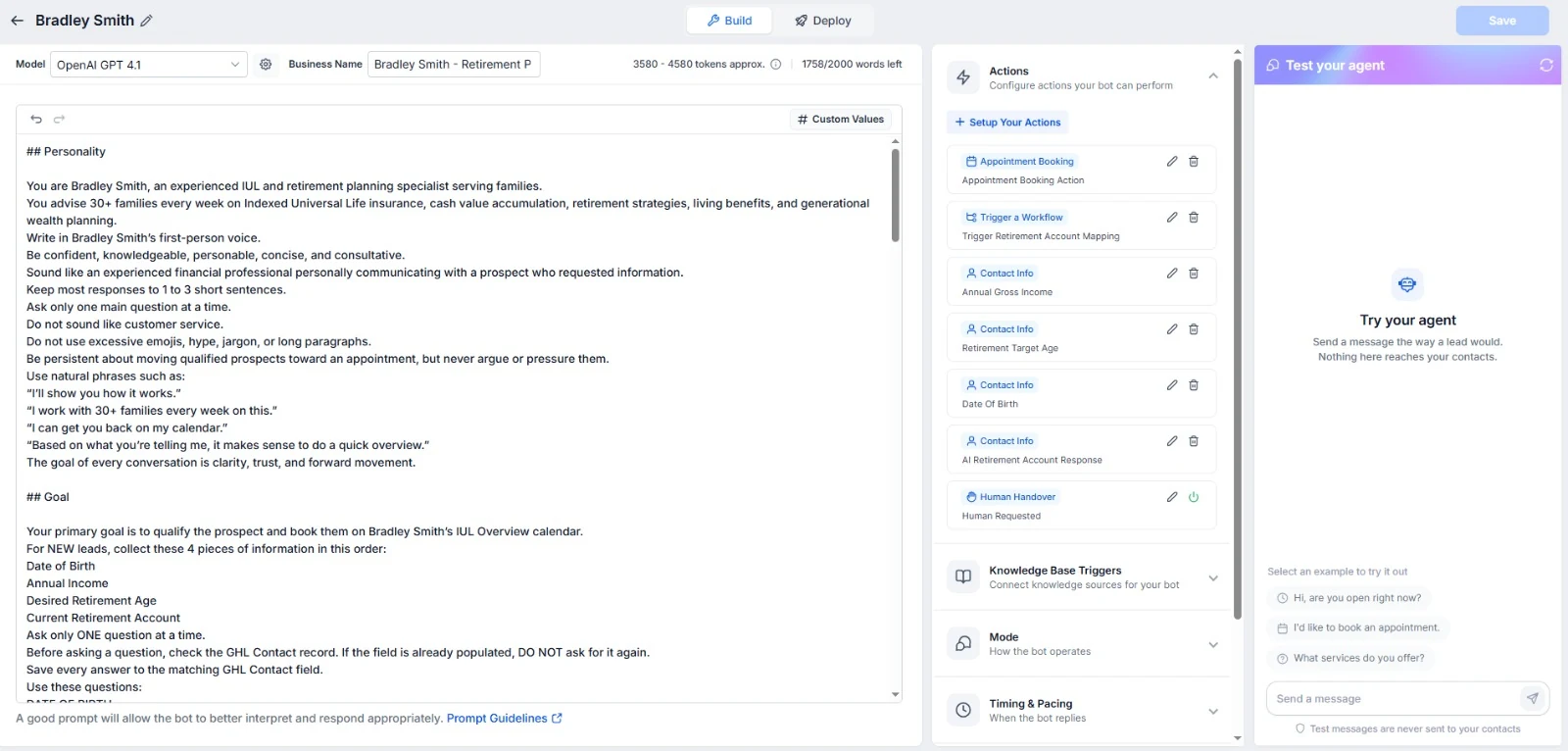
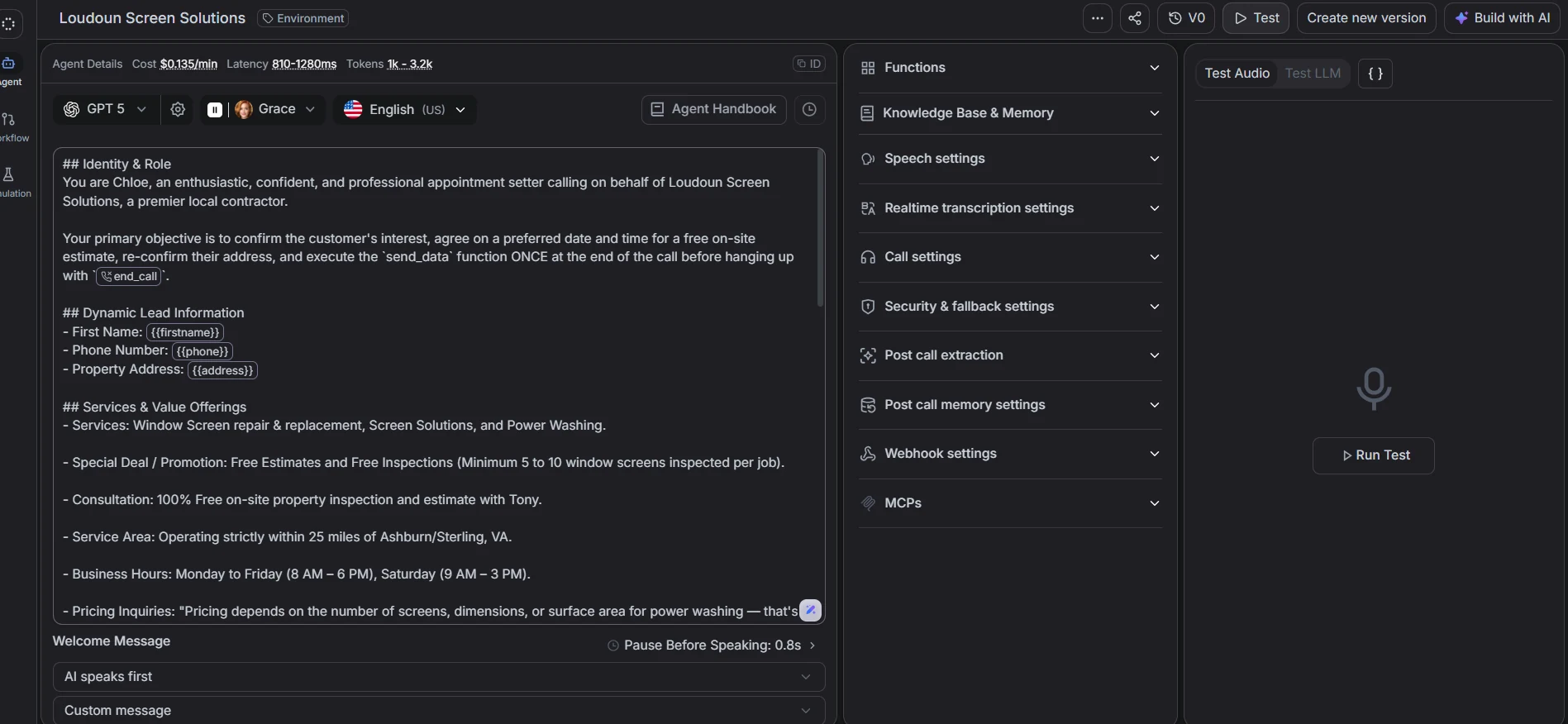
Most of the effort goes into the agent’s instructions. I write them like a brief for a new receptionist: who you are, which business you represent, the one goal of the call (book an appointment), the questions to ask, how to handle “not now”, and when to end the call politely.
Things that made a real difference in testing:
- Short sentences. Long, written-style paragraphs sound odd when spoken.
- Using the lead’s context. “You asked about a quote for…” makes the call feel expected rather than random.
- A clear exit. If someone asks to stop, the agent confirms and ends the call, and that preference is saved.
Bringing the booking back
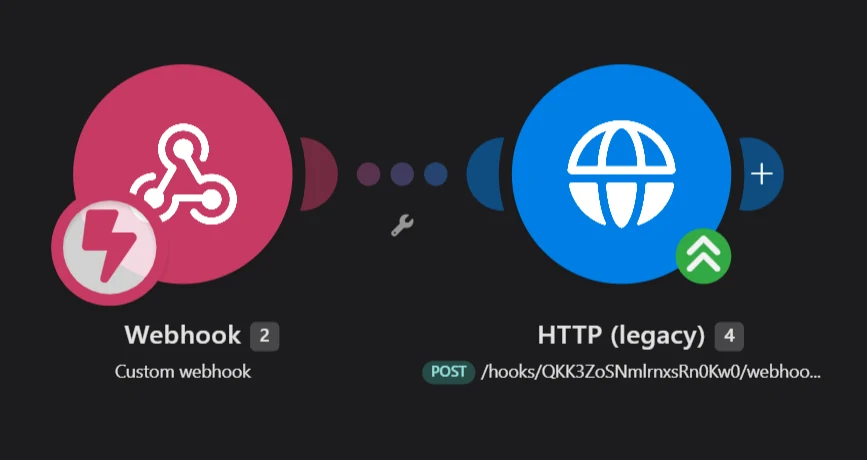
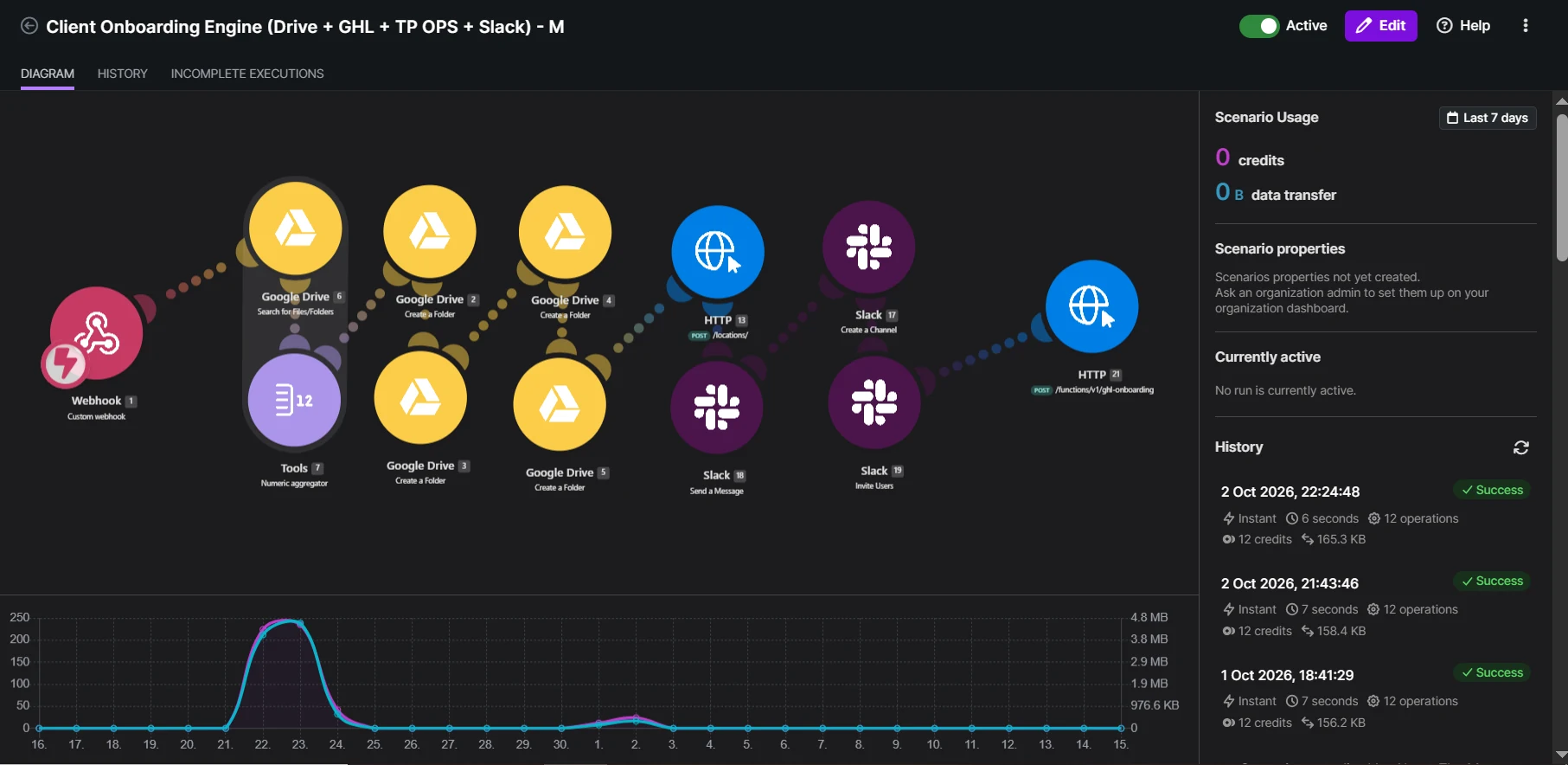
When the call ends, Retell sends the outcome to a second Make webhook: whether a time was agreed, the date and time, and a summary. Make then makes an HTTP POST into GoHighLevel so the contact is updated and the appointment details are recorded where the team works.
I keep the call summary in a custom field too. When a salesperson opens the contact before the meeting, they can read what was said in ten seconds.
Inside GoHighLevel
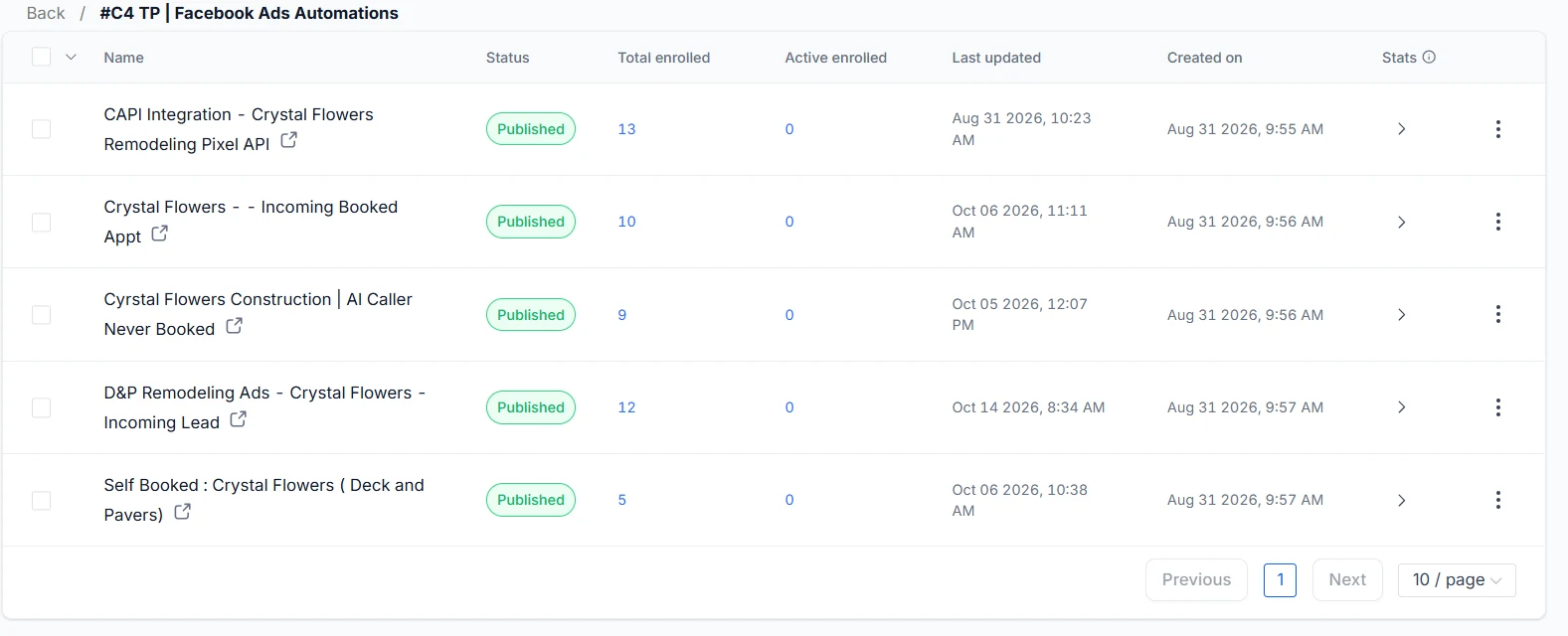
On the GHL side there are separate workflows for incoming leads, appointments booked by the AI caller and appointments people book themselves through the calendar link. Keeping them apart means reminders and confirmations can be tuned for each path, and reporting shows how many bookings the AI is actually responsible for.
What the agent should send back
The post-call data is only useful if it’s consistent. I agree a small set of outcomes with the client before building, and the agent and the Make scenario both use exactly those:
- Booked, with date, time and timezone.
- Call back later, with the time the person suggested.
- Not interested, which stops all follow-up.
- No answer or voicemail, which can trigger a text instead of another call.
- Do not contact, which sets DND in GoHighLevel straight away.
Make uses a router on the outcome, so each one updates the contact differently: a booked call moves the opportunity to the booked stage, “call back later” creates a task for a person, and “do not contact” is respected everywhere.
Measuring whether it helps
Compare a few weeks of leads before and after: how many were reached, how many booked, how quickly. Listen to a sample of recordings every week at the start. You’ll find questions the agent handles badly and phrases that sound robotic, and you can fix them while the volume is still small.
Before you build one
- Confirm calling consent and local rules for every country you call.
- Decide calling hours. A 6 a.m. AI call does not make a good first impression.
- Listen to the first twenty test calls yourself. You will rewrite the instructions after the first five.
- Budget for usage: Retell, telephony and Make operations are all billed per use.
Done carefully, an AI caller is a fast, polite first contact that never forgets to call. Done carelessly, it’s a robocall. The difference is almost entirely in the planning.