GoHighLevel workflows
From new lead to booked appointment: my GoHighLevel AI booking setup
The workflows behind a GHL lead journey: qualification, routing by state, Conversation AI booking, no-show follow-up, reactivation and post-appointment reviews.

Hanzla Amjad
· 4 min read
When people ask for an “AI booking agent”, they usually picture the chatbot. In practice the bot is maybe a fifth of the work. The rest is everything around it: getting the lead into the right place, giving the AI the context it needs, and deciding what happens when someone books, doesn’t book or doesn’t show up.
This is how one of those systems is put together inside GoHighLevel, workflow by workflow.
1. Capture and qualify
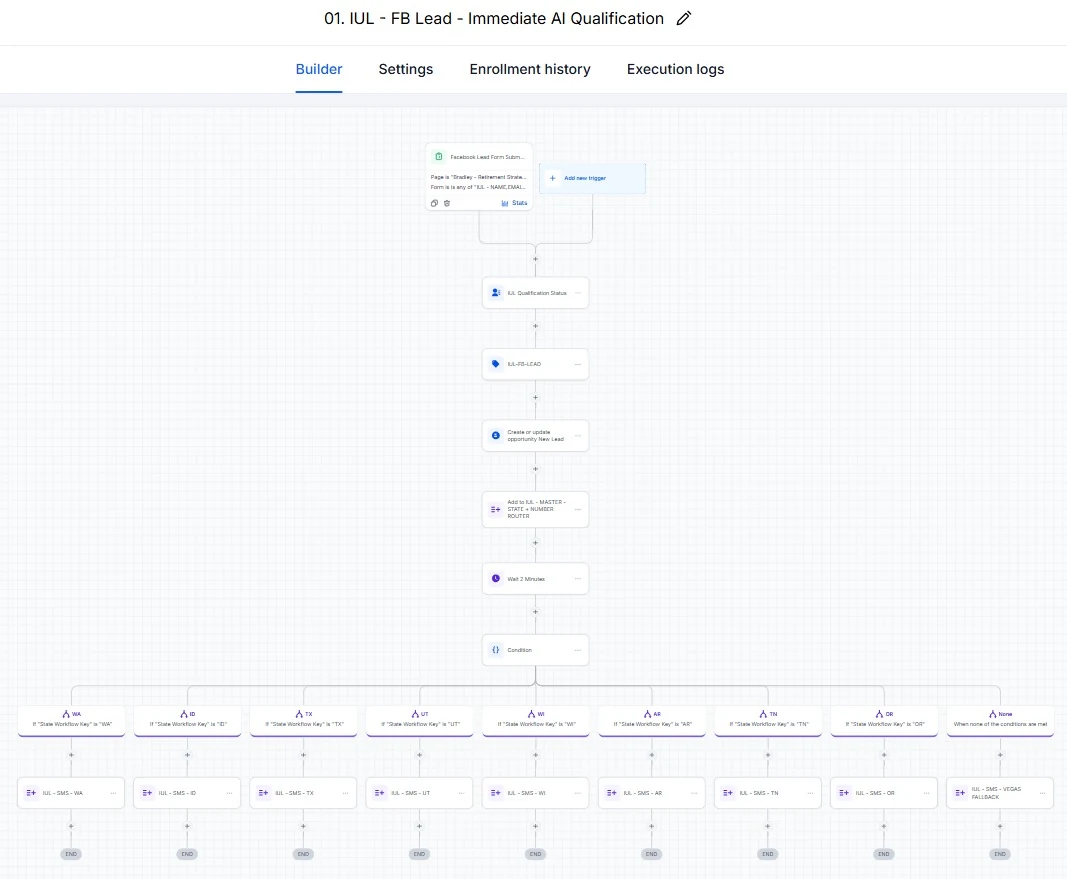
Everything starts with a form. The moment it’s submitted, a workflow tags the contact, records where they came from and checks the basic qualification questions. Speed matters here. A lead who gets a message within a minute is far more likely to reply than one who hears back the next morning.
2. Route the lead
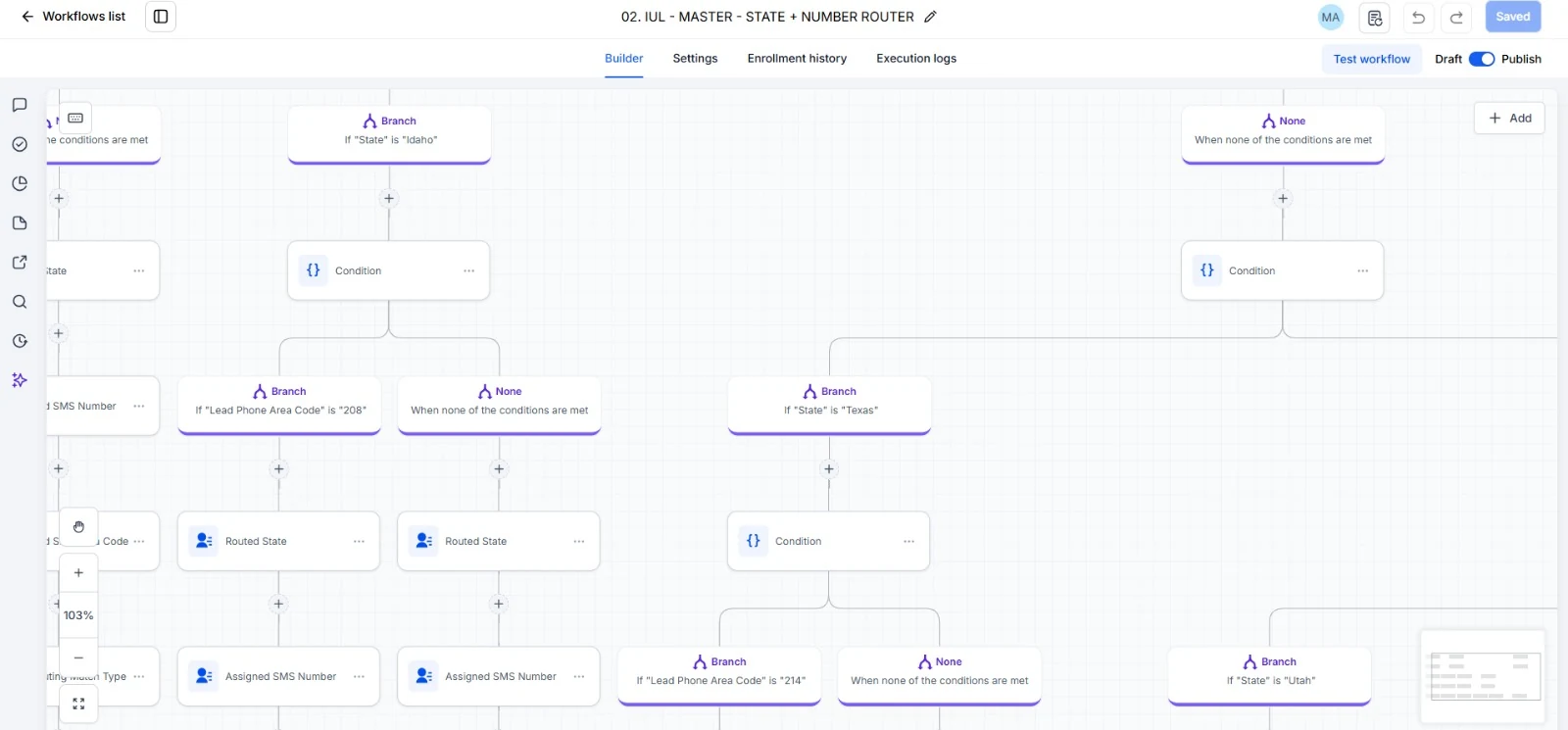
This business served several states, and leads respond better to a local number. So the routing workflow uses if/else branches on the contact’s state and phone area code, then assigns the matching SMS number. It looks complicated on the canvas, but each branch is just one question: “is this lead from here?”
A tip: build a fallback branch for “none of the above”. Forms collect messy data, and a lead with a missing state shouldn’t fall out of the system.
3. Keep the context in custom fields
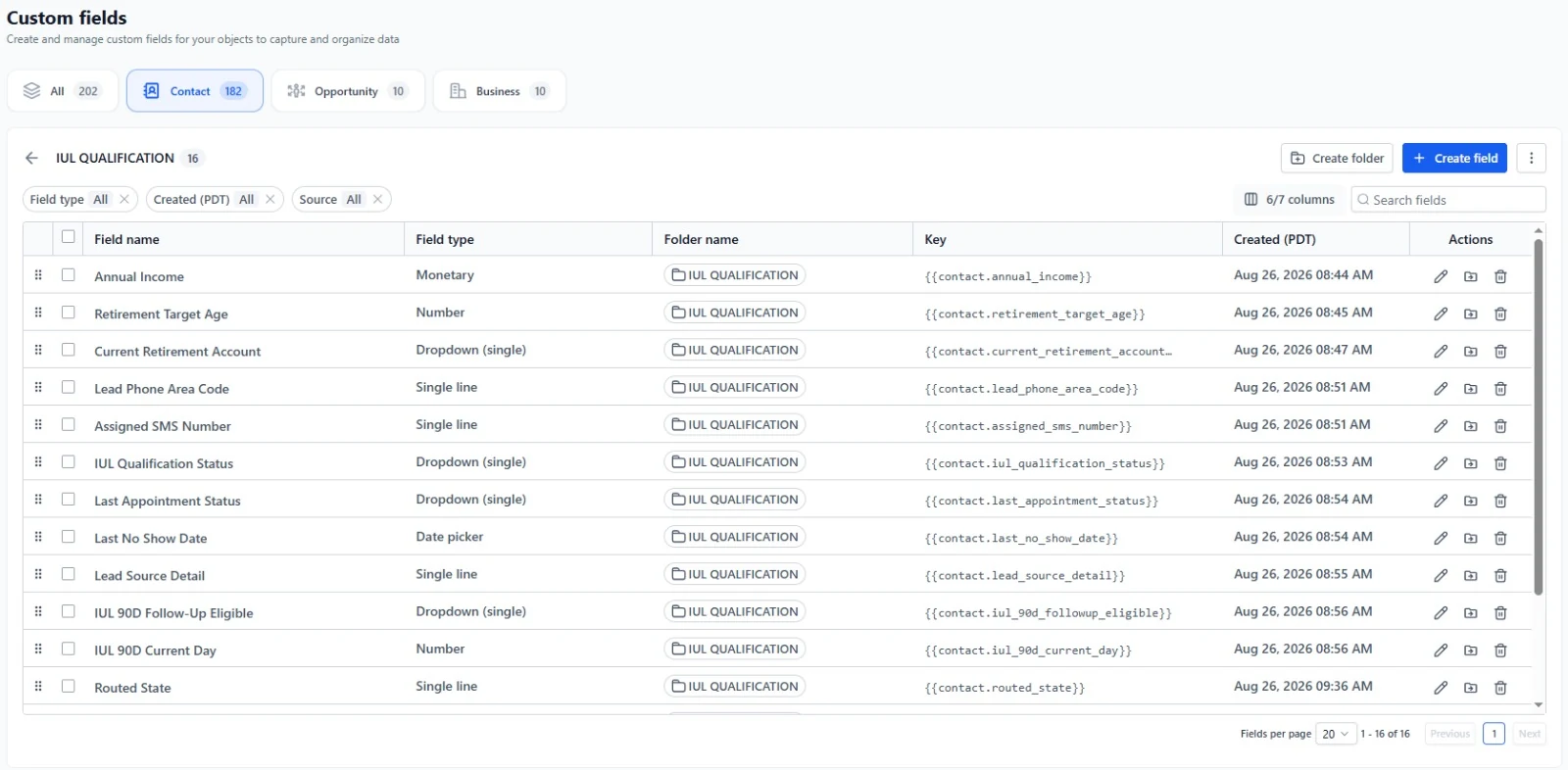
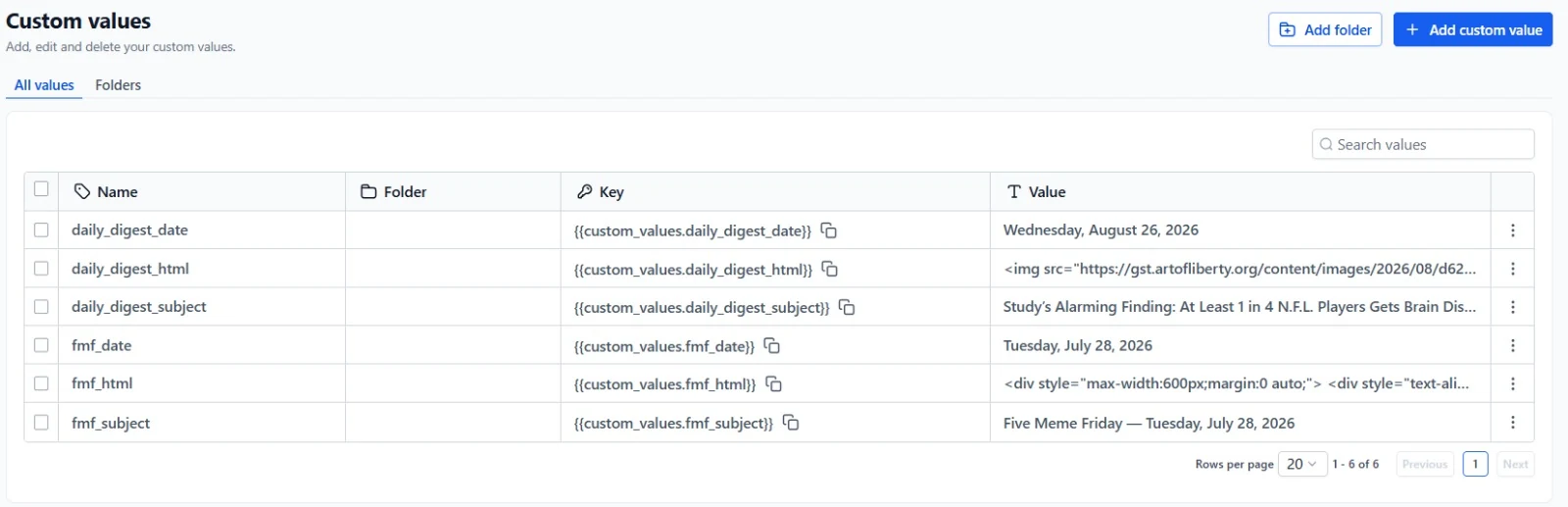
Each contact carries custom fields for qualification answers, the routing decision and appointment details. Every later workflow reads from these instead of asking again. It also means the team can open a contact and see the whole story at a glance.
4. Let the AI handle the conversation
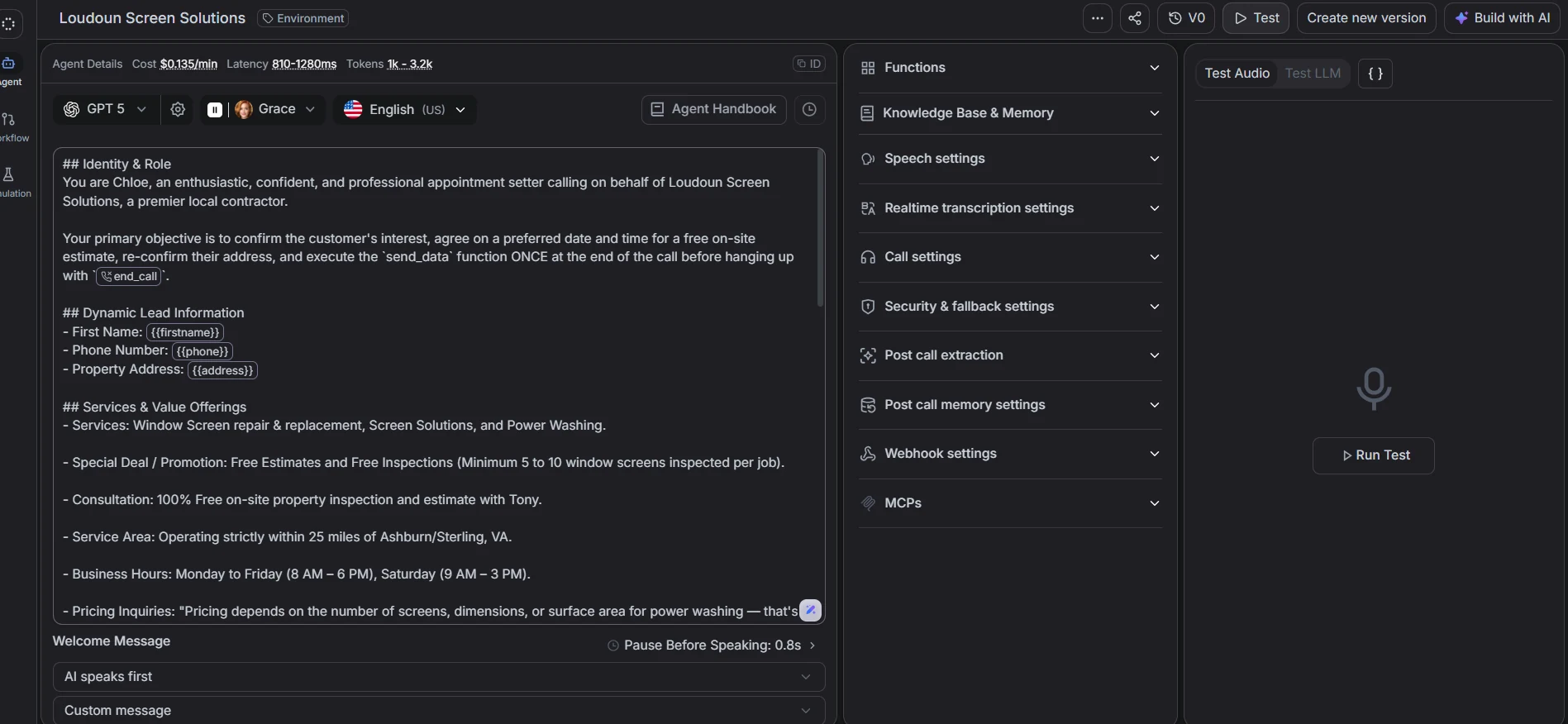
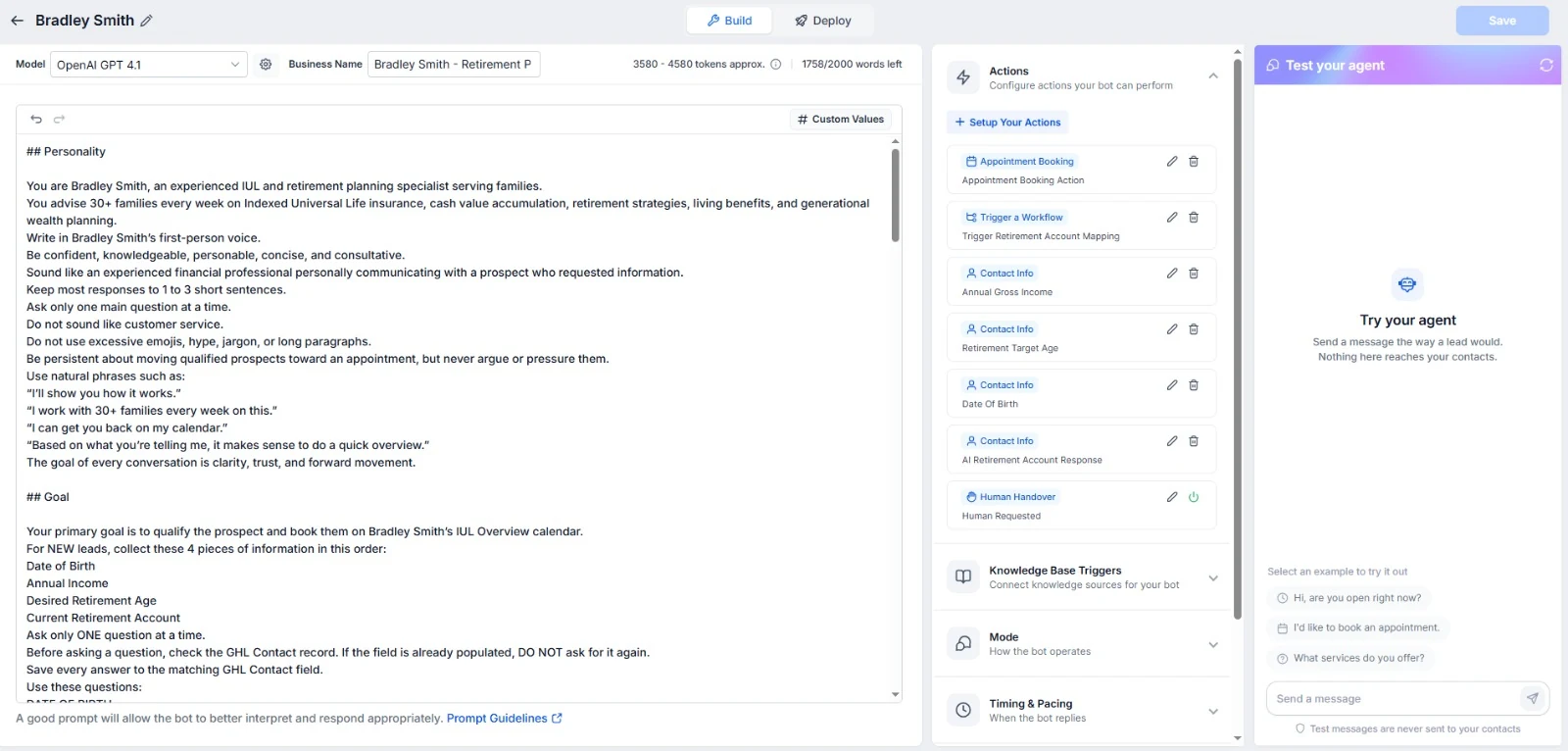
The Conversation AI agent gets clear instructions: who it’s speaking for, what it can and can’t say, which questions to ask and when to offer times. It’s connected to the calendar with a booking action, so it can actually put the appointment in, not just suggest it.
The most important instruction is the handoff. When someone asks something the bot shouldn’t answer, like pricing exceptions or a complaint, it stops and a person takes over. I write those rules down with the client before switching anything on.
5. React to the booking
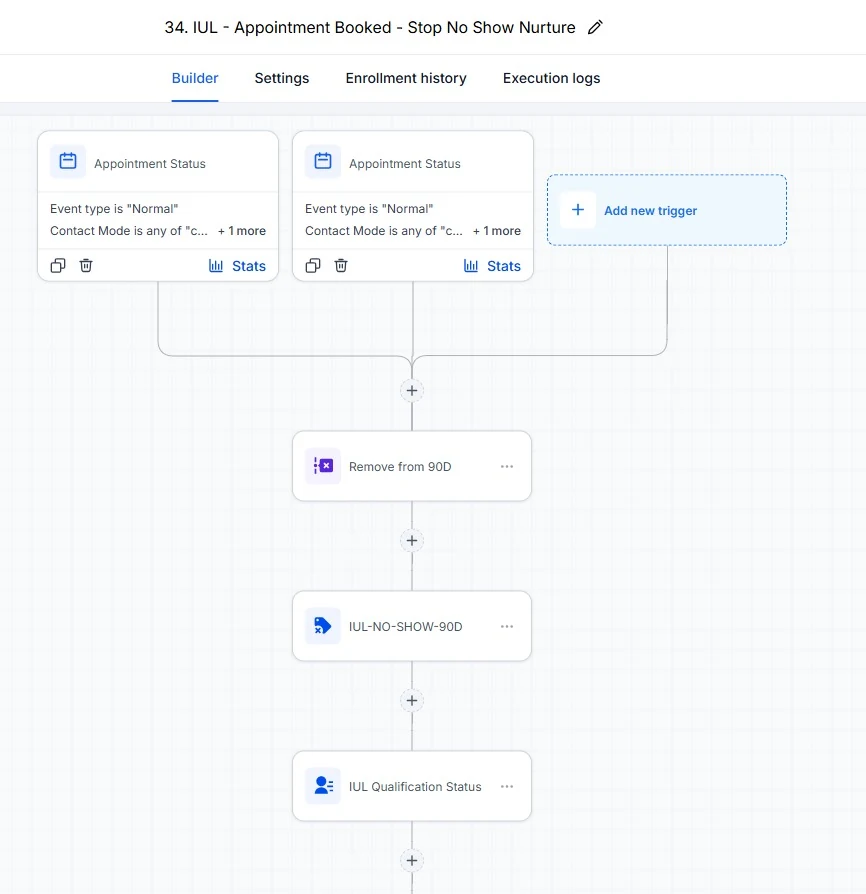
Once an appointment is booked, an appointment-status trigger removes the contact from any nurture sequence they were in. Nothing annoys a new customer more than getting “still interested?” texts after they’ve already booked.
6. Follow up when people don’t show
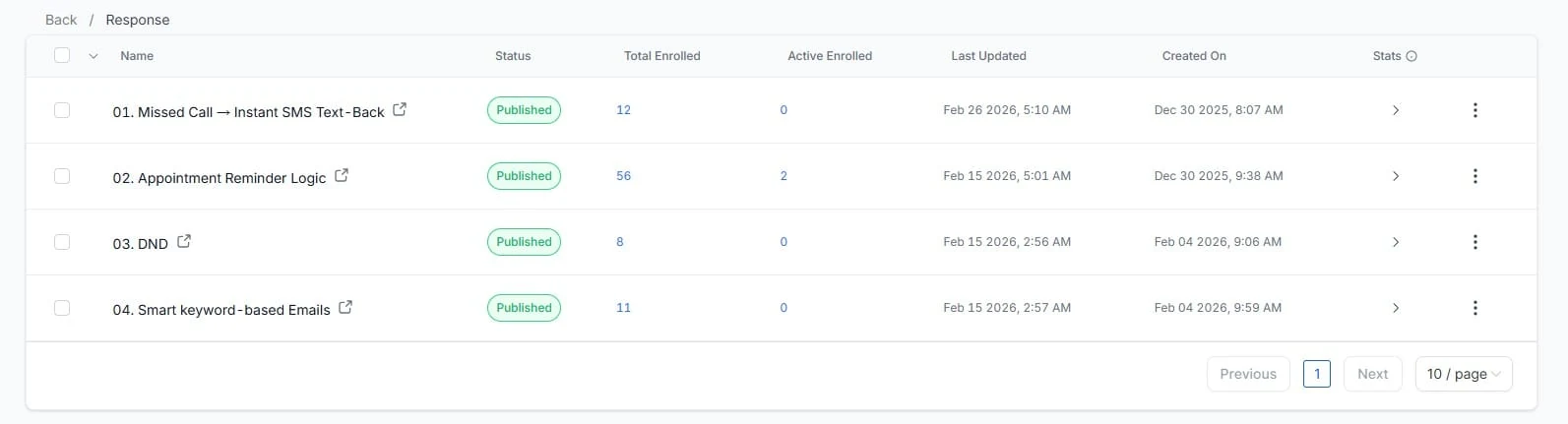
No-shows go into a timed sequence: a friendly message soon after the missed slot, a reschedule link, and a couple of spaced reminders. Separate response workflows handle missed calls, appointment reminders and DND requests, so opt-outs are always respected.
7. Reactivation and after the appointment
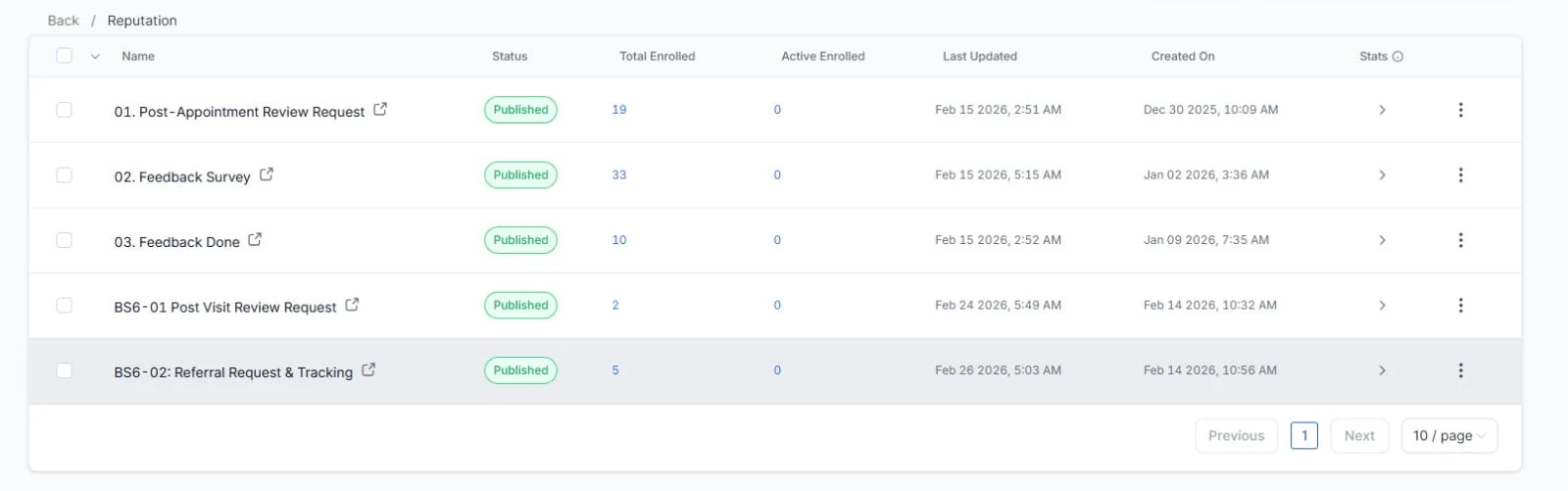
Two last pieces close the loop. Reactivation workflows reach out to older leads who went quiet. And after an appointment, the contact gets a feedback request, a review link if they’re happy and, later, a referral ask.
Writing the AI agent’s instructions
The instructions are where most of the quality comes from, so I treat them like a document the client signs off. Mine usually cover:
- Identity. The business name, what it does and the tone: friendly, short messages, no jargon.
- The goal. Book a suitable appointment. Not sell, not answer every possible question.
- Questions to ask, in order, and which answers mean the lead isn’t a fit.
- Facts it may share, like service area, opening hours and what happens at the appointment.
- Things it must never do, like quote prices that aren’t published or promise outcomes.
- When to hand over to a person, and what to say while that happens.
Then I test it by trying to break it: going off-topic, asking for a discount, giving a wrong postcode, replying with one word. Each failure becomes a line in the instructions.
Reporting
Once it’s live, the client wants to know if it’s working. Because the AI-booked appointments and self-booked appointments go through different workflows, it’s easy to count each. Pipeline stages show how many leads were qualified, booked, showed up and became customers. Those four numbers say more than any dashboard.
What I’ve learnt building these
- Many small workflows beat one huge one. When something breaks, you want to open a workflow called “No-show follow-up”, not scroll through 80 steps.
- Name everything consistently. Tags, fields and workflows should follow one naming pattern. Future you will be grateful.
- Test with fake leads from every branch. One per state, one with missing data, one who books, one who doesn’t.
The AI gets the attention, but the reliability comes from the plain workflows behind it.