Integrations
Webhooks in GoHighLevel: sending and receiving data the reliable way
How GHL inbound webhook triggers and outbound webhook actions work, how I map and test payloads, and the safety checks I add before going live.

Hanzla Amjad
· 3 min read
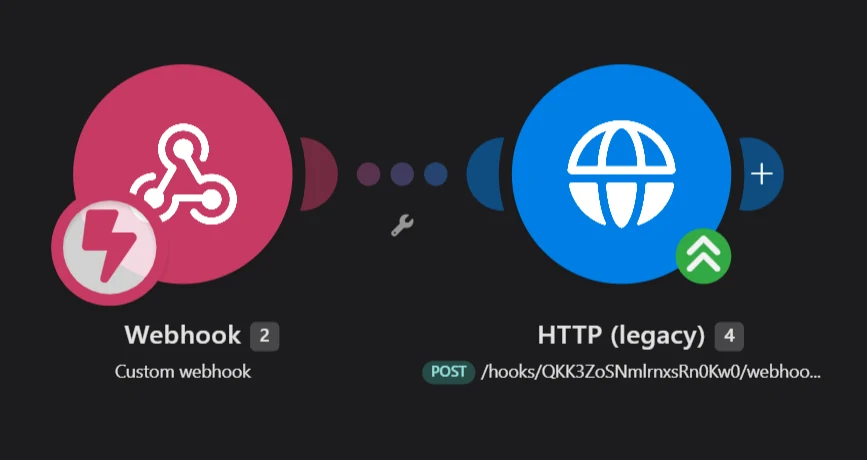
Webhooks are how GoHighLevel talks to tools it doesn’t have a built-in connection for. Nearly every integration project I do uses at least one. They’re simple in principle: one system sends a small packet of data to a URL, and the other system does something with it. Most of the trouble comes from skipping the boring checks.
Two directions
Outbound means GoHighLevel sends data out. A workflow action posts contact or appointment details to another tool’s URL, like a Make webhook, your own API or an operations system.
Inbound means GoHighLevel receives data. The inbound webhook trigger gives you a URL; when another system posts to it, the workflow starts and you can map the incoming fields onto a contact.
Sending data out
For a simple “tell Make about this lead”, the standard webhook action is enough: it sends the contact data to the URL you enter. When the receiving system needs a specific method, headers or a custom body, like an API key in a header or a particular JSON shape, I use the custom webhook action.
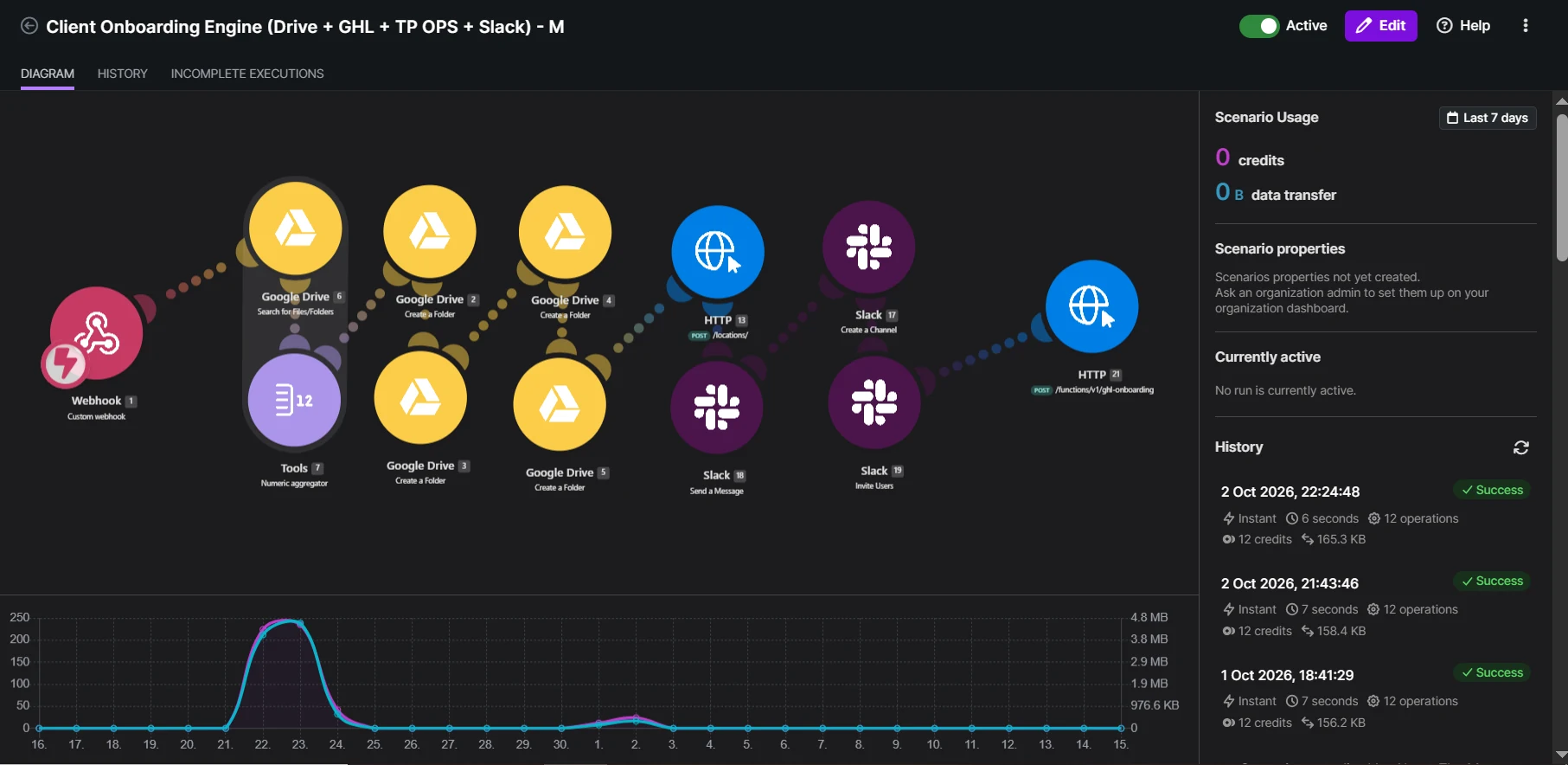
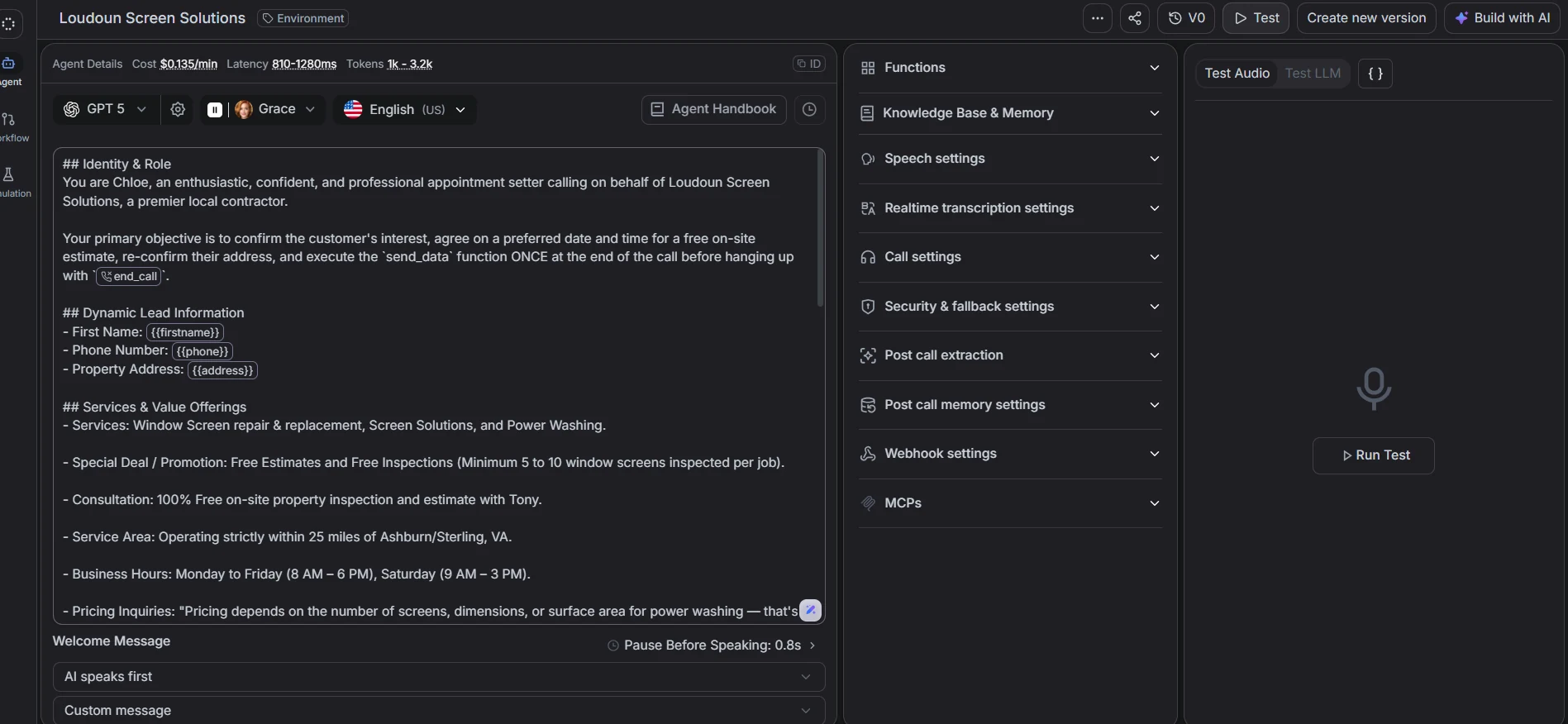
The Retell AI calling project starts this way: a new lead in GHL is posted to Make, and Make asks Retell to place the call.
Receiving data in
With the inbound webhook trigger, the order of operations matters:
- Add the trigger and copy its URL.
- Send one real sample request from the other system.
- Let GHL capture that sample so the fields are available to map.
- Map the fields to create or update the contact.
- Continue the workflow from there.
If you map fields before a sample arrives, there’s nothing to map. Send the sample first.
Matching the right contact
The most common webhook bug I fix is duplicate contacts. If the incoming data uses a different email format or phone format from the one already in GHL, you get a second contact instead of an update. Normalise phone numbers to international format and lowercase emails before they reach GHL. Make is great for that clean-up step.
Safety checks I always add
- Treat the URL like a password. Anyone who has a webhook URL can send data to it. Don’t paste it into public screenshots or front-end code. (I removed screenshots showing full webhook endpoints from my own portfolio for exactly this reason.)
- Validate. If required fields are missing, stop and alert someone instead of creating junk records.
- Avoid loops. If GHL sends to Make and Make updates GHL in a way that re-triggers the same workflow, you’ve built an infinite loop. Use a tag or a field to mark records that have already been processed.
- Handle failure. Decide what happens when the receiving system is down. Make can retry and notify; a silent failure is the worst outcome.
- Keep credentials out of the payload. API keys belong in headers or in the receiving tool’s connection settings.
Keep the payload small and predictable
Send only the fields the other system needs, with clear names. A payload like this is easy to read in a log six months later:
An event field is worth adding even if there’s only one event today. When a second one appears, the receiving side can route on it without a new URL.
When it doesn’t work: a debugging order
- Did the request leave? Check the workflow’s execution history in GHL, or the sending tool’s logs.
- Did it arrive? Check the receiving side’s history. Make shows every incoming request.
- Was the data what you expected? Compare the raw payload with your mapping. A renamed field is a common cause.
- Did the action fail after arriving? Look for an error on the step after the trigger, often a missing required field.
Going in that order turns “it’s not working” into a specific answer in a few minutes.
Testing
Test with realistic records, not “test test”: a contact with an accent in their name, a missing phone number, a duplicate email, an international number. These are the records that will arrive in real life, usually on the first day.
Webhooks are one of the most useful tools in GoHighLevel. Treated carefully, they let GHL connect with almost anything.