Integrations
Make, Zapier or n8n with GoHighLevel? How I choose
When I keep automation inside GHL workflows, and when I reach for Make, Zapier or n8n instead, based on the logic, volume and who will maintain it.

Hanzla Amjad
· 3 min read
Clients often open with “should we use Make or Zapier?” My honest first answer is usually “maybe neither”. GoHighLevel’s own workflows can do a lot, and every extra tool is another subscription, another login and another place for things to break.
Here’s how I actually decide.
Start inside GoHighLevel
If the trigger and the action both live in GHL, keep it in a GHL workflow. Form submitted, tag added, appointment booked, send a message, move a stage, notify a user: GHL handles all of that natively. It’s cheaper, it’s faster, and the client’s team can see and edit it in the same place they work.
I only leave GHL when I need to talk to another system that GHL doesn’t connect to well, or when the logic gets too complex to read comfortably in a workflow.
When I choose Zapier
- The connection is simple: one trigger, one or two actions.
- Both apps have solid Zapier integrations.
- The client already pays for Zapier and their team knows it.
- Someone non-technical will maintain it.
Zapier is the easiest to understand. That’s a real advantage when the person looking after it next year isn’t a developer. My onboarding work at Remote Clean Academy, for example, used Zapier alongside booking and accounting tools.
When I choose Make
- The flow has many steps, branches or loops.
- I need to transform data: parse text, reshape JSON, build arrays.
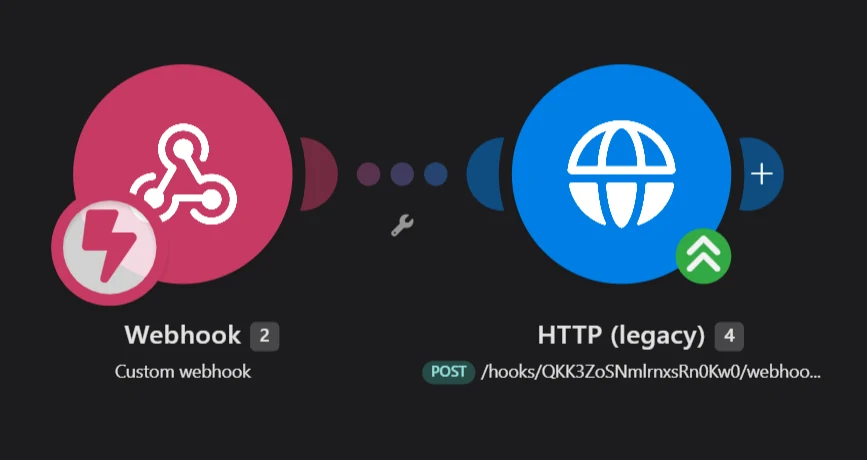
- I need HTTP requests to APIs that don’t have a ready-made module.
- I want to see each run visually when debugging.
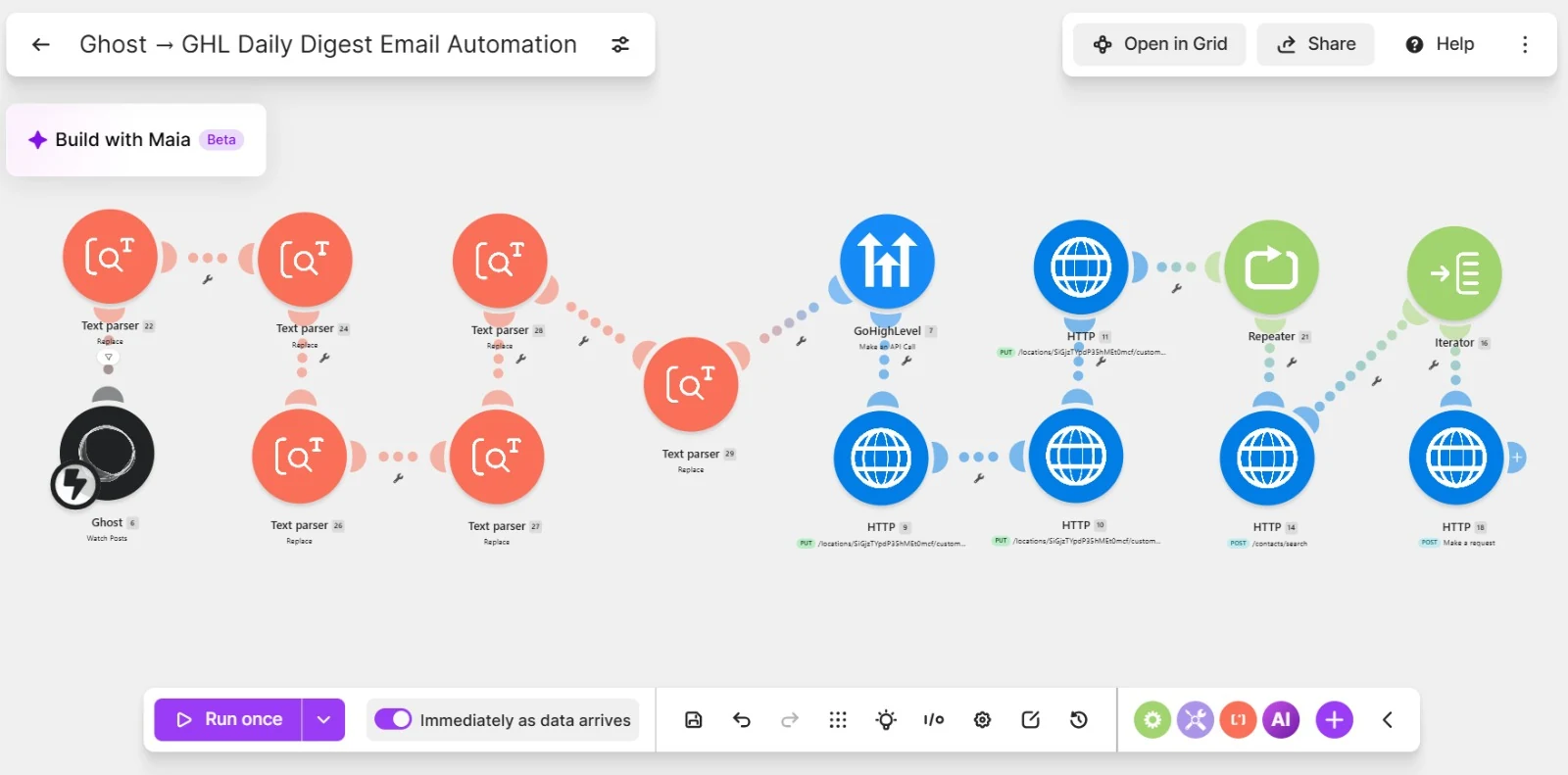
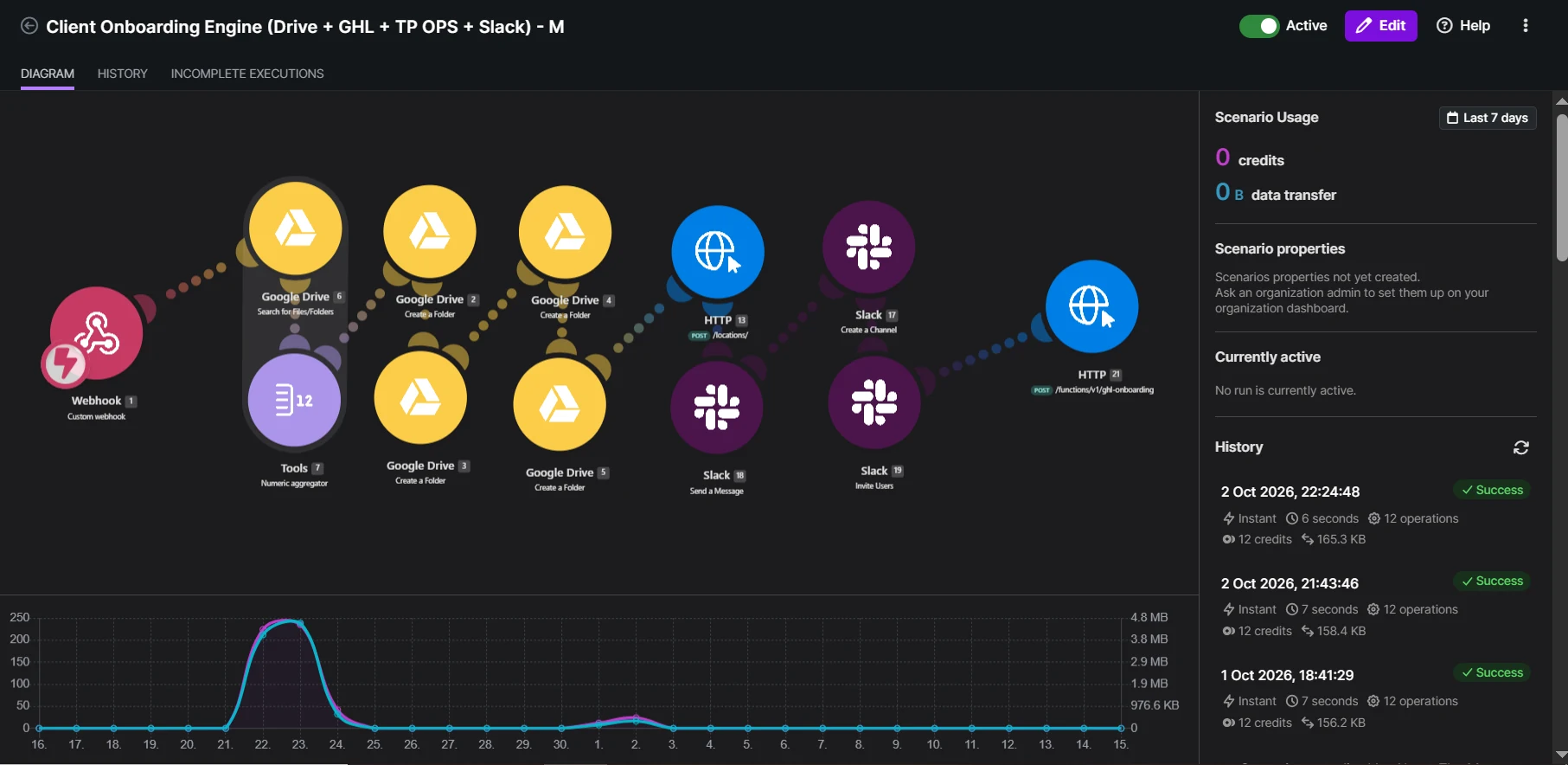
Most of the projects on my portfolio use Make. The client onboarding engine searches Drive, counts folders, calls the HighLevel API and talks to Slack in one scenario. That would be awkward in Zapier and impossible in a GHL workflow alone.
When I choose n8n
- The client wants to self-host for cost or data reasons.
- Volume is high enough that per-operation pricing gets expensive.
- There’s a developer on the team comfortable maintaining it.
- The flow needs custom code steps.
n8n is powerful and flexible, but self-hosting means someone is responsible for the server, updates and backups. That’s fine for a team with technical people. It’s a risk for a small business that just wants things to work.
Questions I ask before choosing
- What starts it, and what should happen at the end?
- How many times a day or month will it run?
- Which tools does the client already pay for?
- Who will fix it if it breaks in a year?
- Does any data need to stay in a particular region or system?
The answer to question four matters more than people expect. The best tool is often the one your team can actually maintain.
Thinking about cost
All three charge differently. Zapier counts tasks, Make counts operations, and self-hosted n8n costs you a server and someone’s time. A scenario that runs once per new lead is cheap almost anywhere. A scenario that checks something every five minutes, or loops through hundreds of records, can get expensive quickly on per-step pricing.
Before choosing, I estimate: how many runs per month, and how many steps per run. Multiply them, and compare that with each tool’s current plans. It takes ten minutes and avoids a surprise bill.
Three real decisions
- “Send a Slack message when a deal is won.” GHL workflow with a webhook to Slack, or Zapier if the team already uses it. No need for Make.
- “When a client signs, create folders, a sub-account and channels.” Make. Several systems, branching and API calls in one flow.
- “Sync 20,000 records every night between GHL and our database.” n8n or a small custom script, if the team can maintain it. Per-operation pricing on that volume adds up.
A mix is normal
Plenty of my builds use more than one. GHL handles the customer-facing workflow, and a Make scenario handles the one awkward integration. That’s not messy, as long as it’s documented: write down which tool does what, and where the hand-offs between them happen.