GoHighLevel setup
GoHighLevel snapshots: what they carry and what you still set up by hand
A practical guide to GHL snapshots: which assets copy across, which account-level settings never do, and the deployment checklist I use for new sub-accounts.

Hanzla Amjad
· 3 min read
A snapshot is a saved copy of a GoHighLevel sub-account’s setup that you can load into other sub-accounts. Agencies love them, and for good reason: build a great system once, then give every new client a copy.
The disappointment comes when someone loads a snapshot and expects a finished, working account. A snapshot carries the structure. It doesn’t carry anything tied to a specific business. Knowing the difference turns onboarding into a checklist instead of a scramble.
What a snapshot usually carries
- Pipelines and stages
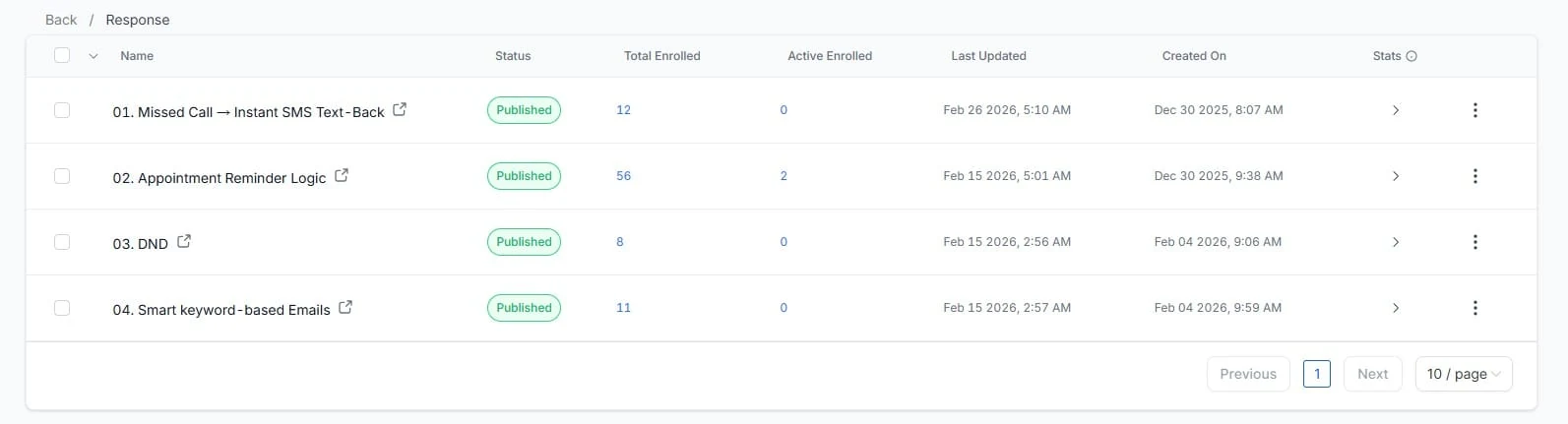
- Workflows and their triggers and actions
- Funnels and websites
- Forms, surveys and quizzes
- Calendars and their settings
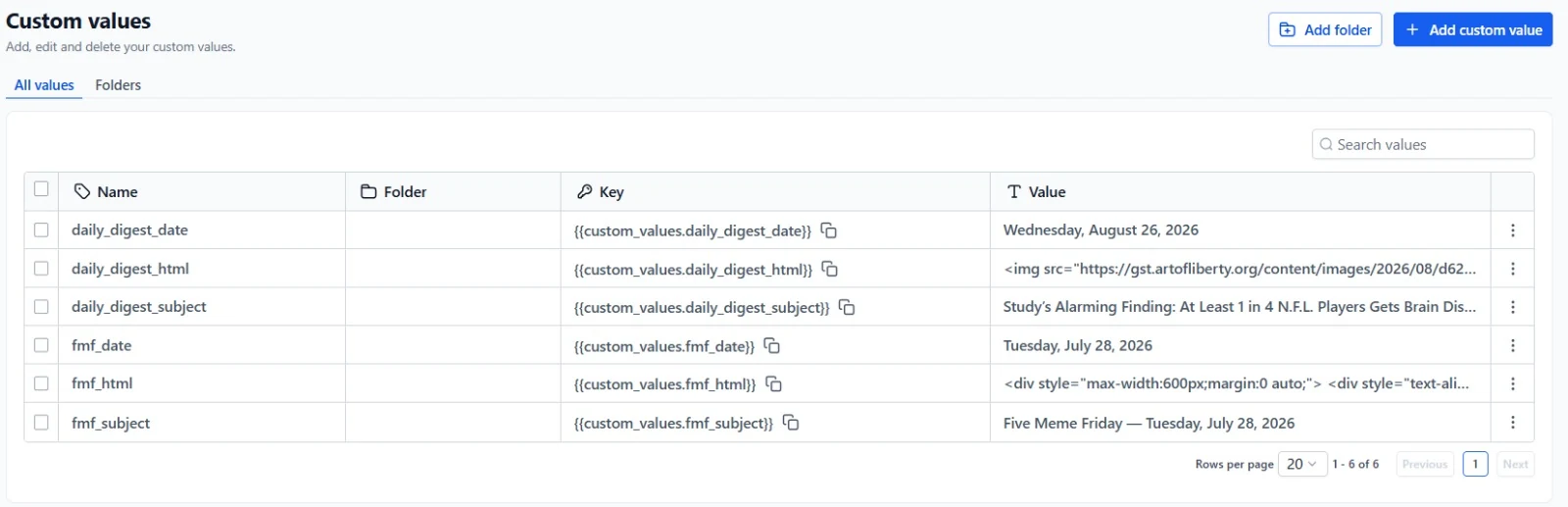
- Custom fields and Custom Values
- Tags
- Email and SMS templates
- Trigger links
When you load or share a snapshot, you can choose which asset types to include. When you push updates to existing accounts, you can choose which assets to overwrite, so you don’t blow away a client’s own changes.
What it never carries
- Contacts, conversations and opportunities. No customer data moves between accounts.
- Phone numbers. Each sub-account needs its own, plus its own A2P registration for US texting.
- Domains. Funnels arrive, but the domain they run on has to be connected and verified in the new account.
- Email sending setup. Dedicated sending domains and sender settings are per account.
- Integrations. Google, Facebook, Stripe and other connected accounts must be authorised again by the new account’s owner.
- Users. Team members and their permissions are added per account.
Anything in a workflow that points to one of these, like “send from this number” or “add to this Google Sheet”, will need re-selecting after import.
How I prepare a snapshot
- Start from a working account. Build it in a clean sub-account and test the whole journey first.
- Remove what’s client-specific. Names, logos, prices and addresses go into Custom Values, so the next client just fills in their own.
- Clean up duplicates. Old test workflows and unused fields only confuse whoever opens the account later.
- Use one naming pattern. For example “01 | Lead | New form submission”. Consistent names make the workflow list readable.
- Leave workflows in draft where they depend on account-level settings, so nothing fires before the account is ready.
My deployment checklist
After loading a snapshot into a new sub-account, I go through this list:
- Business profile: name, address, timezone, logo.
- Fill in Custom Values for the new business.
- Connect and verify the domain, then assign funnels and websites to it.
- Set up email sending.
- Buy or port the phone number and start A2P registration.
- Connect calendars to the right users and check availability.
- Reconnect integrations.
- Re-select numbers, users and integrations inside workflows.
- Submit a test lead through every form and watch it travel.
- Publish workflows one at a time.
I worked on snapshot creation and deployment at Wingman and Top Lion Marketing, and this checklist is the result of finding each of these gaps the hard way at least once.
Problems I see after an import
- Workflows that send from nobody. A “send SMS” step pointing to a number that doesn’t exist in the new account. Re-select the sender in every messaging step.
- Calendars with no team member. The calendar arrives, but nobody is assigned, so there are no available slots.
- Funnels on the wrong domain. Pages work on a preview link but the client’s domain shows an error until it’s connected and the funnel is assigned.
- Forms that notify the old account’s user. Check notification recipients on forms and in workflows.
- Old test contacts in triggers. Filters that reference a specific tag or contact from the original account.
None of these are hard to fix. They’re just easy to miss if you assume the snapshot did everything.
Sharing snapshots with clients
Agencies can share a snapshot with a link so another agency account can import it. If you’re handing a snapshot to a client who has their own agency account, send the deployment checklist with it. A snapshot with no instructions often gets imported, half-configured and blamed when something doesn’t fire.
Keeping snapshots up to date
Your process will change. When it does, improve the master account, update the snapshot, and decide which client accounts should get the change. Keep a short changelog in a doc. Six months later, when a client asks why their workflow looks different, you’ll know.