A2P & messaging
A2P 10DLC in GoHighLevel: what gets registrations approved
The checks I run before submitting an A2P brand and campaign in the GHL Trust Center, and the most common reasons registrations get rejected.

Hanzla Amjad
· 4 min read
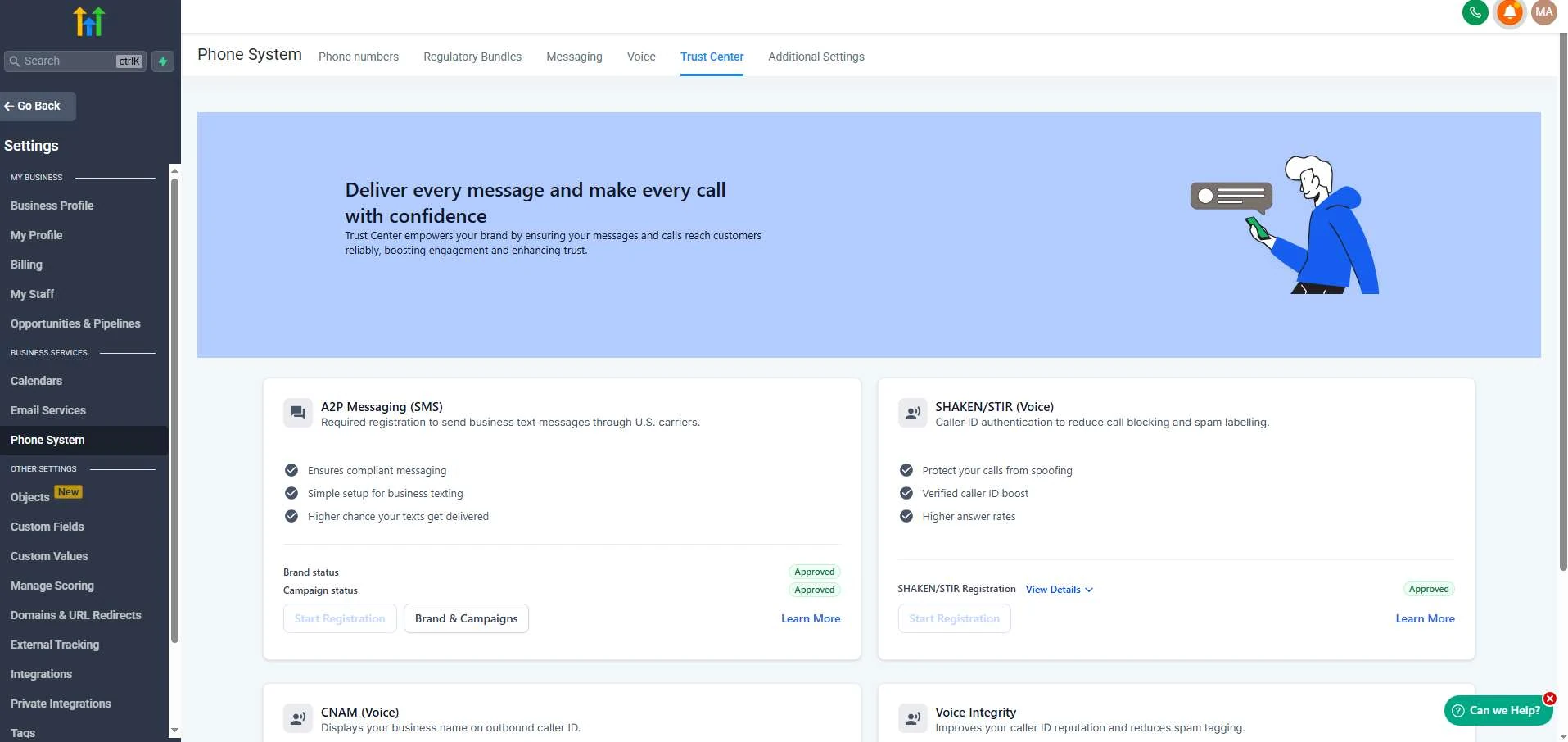
If you send SMS to US numbers from a GoHighLevel account using a regular 10-digit number, you need A2P 10DLC registration. Without it, messages get filtered or blocked. With a rejected registration, you wait, fix and resubmit, and every round can take days.
I’ve done a lot of these registrations in the GHL Trust Center. Most rejections come from the same handful of problems, and nearly all of them can be caught before you press submit.
Part 1: the brand
The brand is the business sending the messages. The details have to match official records exactly.
- Legal business name exactly as it appears on the EIN (or equivalent tax) record. Not the trading name, not with “LLC” missing.
- Tax ID that matches that name.
- Address that matches the registration, not a virtual office the records don’t know about.
- Business type chosen correctly. A sole proprietor without an EIN registers differently from a company.
- Website and email on the business’s own domain where possible. A Gmail address and no website make reviewers nervous.
The single most common brand problem I see is a name mismatch. Check it letter by letter.
Part 2: the website
Reviewers visit the website. It should clearly be the business named in the brand, and it should be live, not a “coming soon” page. Two things matter a lot:
- A privacy policy that says mobile information won’t be shared with third parties or affiliates for marketing purposes.
- A visible SMS opt-in where people sign up, for example a checkbox on the form with text explaining what messages they’ll receive, that message and data rates may apply, how often they’ll get messages, and that they can reply STOP to opt out and HELP for help.
If the form that collects phone numbers is a GHL form or funnel, add the consent text and checkbox there, and link the privacy policy and terms right next to it.
Part 3: the campaign
The campaign describes what you’ll send. This is where vague answers get rejected.
- Use case that matches reality. Appointment reminders and customer care are different from marketing. If you’ll do both, choose the option that covers both.
- Description in plain English: who you are, who receives messages, why they receive them.
- Opt-in description that explains exactly how people sign up, and where. Reviewers want to be able to find it.
- Sample messages that look like real messages, include the business name, and include opt-out language in at least one sample, like “Reply STOP to opt out.”
- Consistency. If the samples mention links or phone numbers, say so in the campaign settings.
Common rejection reasons
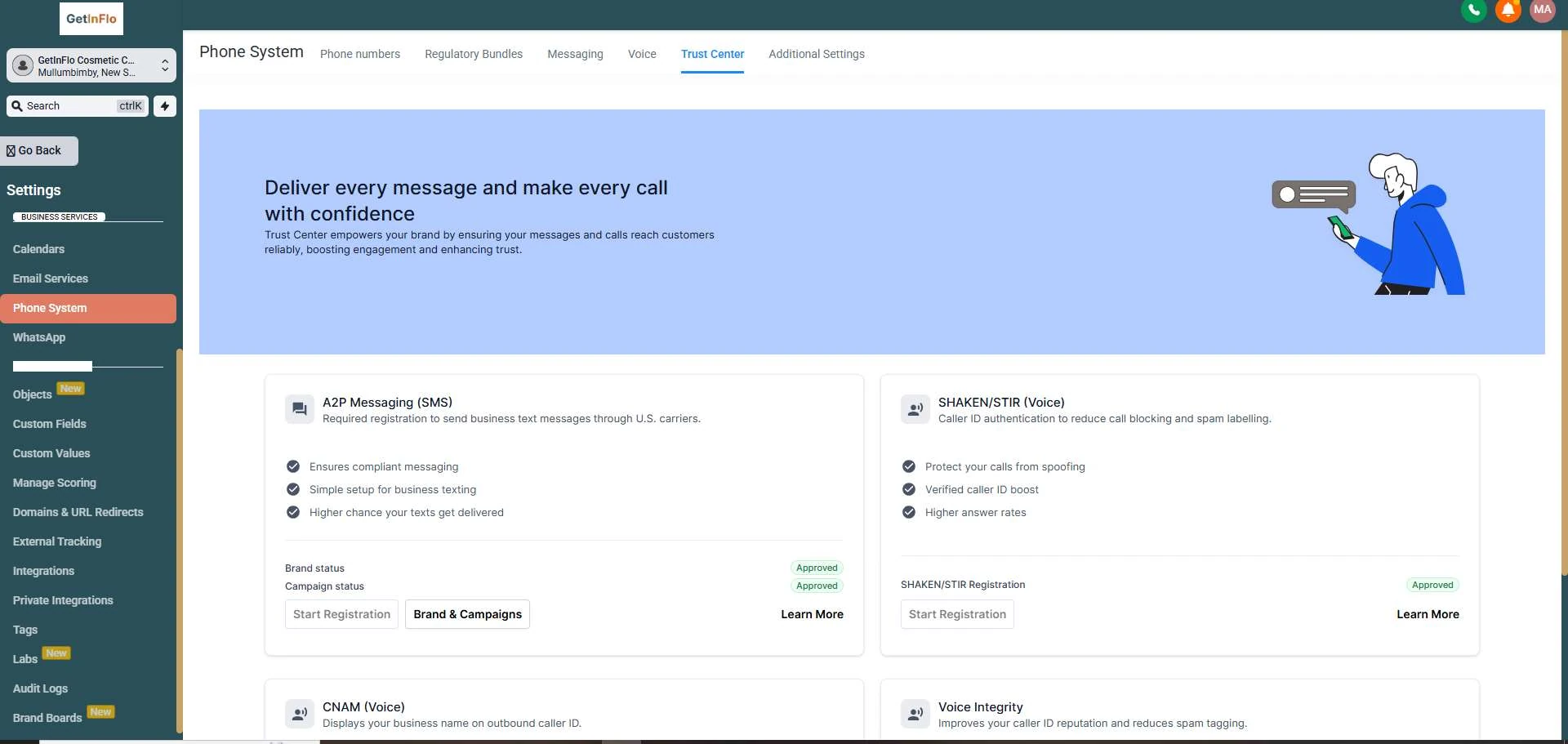
- Business name doesn’t match the tax record.
- Website missing, broken or not clearly the same business.
- No privacy policy, or no statement about not sharing mobile data.
- Opt-in process not described, or impossible to verify.
- Sample messages without the brand name or opt-out language.
- Use case doesn’t match the samples, for example “customer care” with promotional samples.
An example of opt-in wording
Every business is different, so treat this as a starting point to adapt, not legal advice. Next to an unticked checkbox on the form:
The checkbox shouldn’t be required to submit the form, and the links should go to real pages. Reviewers do check.
My pre-submit checklist
- Legal name, tax ID and address copied from the official document, not typed from memory.
- Website live, on the business’s own domain, with matching name and contact details.
- Privacy policy and terms linked in the footer and next to the form.
- Opt-in checkbox and consent text visible on every form that collects phone numbers.
- Use case chosen to match the messages you’ll actually send.
- Two or more realistic sample messages with the brand name and opt-out language.
- Campaign description and opt-in description written in plain, specific sentences.
If you get rejected
Read the rejection reason carefully. It’s usually short and vague, but it points to one of the areas above. Fix the root cause, especially on the website, before resubmitting. Resubmitting the same details with small wording changes rarely works.
A2P isn’t exciting, but it decides whether every SMS workflow you build actually reaches anyone. It’s worth getting right the first time.